The Hidden Data Leak: Managing “Shadow AI” in Your Business
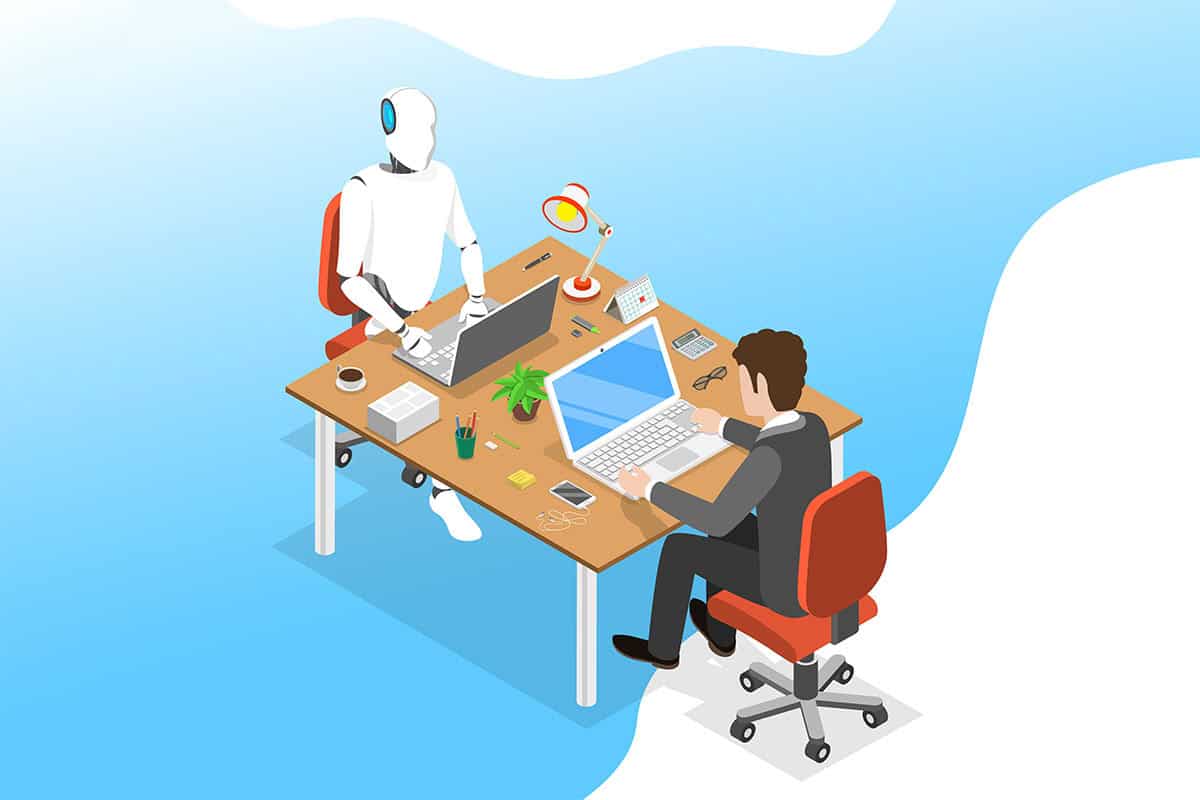
There is a quiet revolution happening in offices across the country. It’s not being led by the IT department or the C-suite. It’s happening in browser tabs and smartphone apps. Employees, driven by the desire to be more efficient and creative, are turning to generative AI tools like ChatGPT, Gemini, and Claude to help them do their jobs.
On the surface, this looks like initiative. An employee uses AI to write a marketing email in five minutes instead of an hour. A developer fixes a bug in seconds. Productivity soars. However, beneath this surge in efficiency lies a significant, often invisible risk known as “Shadow AI.”
Shadow AI refers to the unsanctioned, unmonitored use of artificial intelligence tools within an organization. The danger is not that the tools are malicious; the danger lies in how they process information. When an employee pastes a sensitive client contract or proprietary code into a free, public AI chatbot to “summarize” or “fix” it, where does that data go?
For business owners and IT leaders, understanding the mechanics of these tools is the first step in stopping a potential data leak before it happens. The goal is not to stop the innovation, but to bring it out of the shadows and into a secure environment.
The Problem with “Free”

The adage “if the product is free, you are the product” applies heavily to the current generation of public AI tools. These models are data hungry. To improve their accuracy and capability, they’re often trained on the inputs provided by users.
When a staff member uses a free version of a chatbot, the Terms of Service usually grant the AI vendor the right to use that conversation history to train future versions of the model. This creates a nightmare scenario for data privacy.
Imagine an employee pasting your Q3 financial projections into a chatbot to ask for formatting advice. That financial data is now potentially part of the AI’s learning dataset. While the probability is low, it’s theoretically possible for the AI to regurgitate that information to a user outside your organization in the future. In regulated industries like healthcare or finance, this constitutes a serious compliance violation.
Why “Blocking” is Not a Strategy
The knee-jerk reaction for many IT departments is to simply block access to OpenAI, Anthropic, and Google Bard at the corporate firewall. While this mitigates the risk on company-owned desktops, it’s largely ineffective as a total solution.

We live in a multi-device world. If an employee cannot access ChatGPT on their work laptop, they will simply pull out their personal smartphone, disconnect from the company WiFi, and paste the sensitive data into the app there. By blocking the tool, you have not stopped the behavior; you only removed your visibility into it. You have pushed it further into the shadows.
Furthermore, blocking AI puts your business at a competitive disadvantage. If your competitors are using AI to work twice as fast, denying your team access to these capabilities keeps your business behind.
The Solution: Building a “Walled Garden”
The answer to the Shadow AI problem is to provide a sanctioned, secure alternative. In the IT world, we call this a “walled garden.” This is an instance of an AI tool that is contractually and technically isolated from the public model.
Major providers like Microsoft (with Copilot) and OpenAI (with ChatGPT Enterprise) offer business-tier subscriptions. The critical difference between these paid versions is data privacy.
- Zero Retention: They do not use your data to train their models.
- Data Isolation: Your inputs and outputs stay within your corporate “tenant.”
- Encryption: Enterprise-grade security standards are applied to the data in transit and at rest.

By purchasing these licenses for your staff, you remove the incentive to use the insecure free versions. You can tell your team: “Use this tool. It’s smarter, faster, and safe for company data.”
Redefining the Role of IT
Managing Shadow AI requires a shift in how IT supports the business. Instead of being the “Department of No,” IT must become the “Department of How.”
This involves configuring the settings on these enterprise tools to stay compliant with your internal policies. For example, you can configure Microsoft Copilot to access your internal SharePoint documents safely, allowing employees to ask questions like “What were the sales figures for Project “X”?” The AI retrieves the answer from your own secure files without exposing that data to the public internet.
This turns AI from a security risk into a massive knowledge management asset. It allows your team to leverage the power of the technology while keeping the “brains” of the operation safely inside your own digital perimeter.
FAQs
Is Microsoft Copilot safe for my business data?

Yes, provided you have the correct commercial licensing. Microsoft has committed that commercial data used in Copilot is not used to train the foundation Large Language Models (LLMs). Your data remains within your Microsoft 365 tenant and is protected by the same security controls as your email and OneDrive files.
Can we detect if employees are pasting secrets into AI?
It is technically challenging. While Data Loss Prevention (DLP) tools can flag credit card numbers or social security numbers, they struggle to identify “proprietary ideas” or generic code snippets. It’s much more effective to provide a secure tool than to try and police the text inputs of insecure ones.
Does AI store the data forever?
On public free versions, the retention period can be indefinite unless you manually opt out or delete history. On enterprise versions, the data is usually discarded after the session or stored only for your own audit logs, depending on your configuration.
What about copyright? Who owns the AI output?
This is a legal gray area, but generally, the US Copyright Office has stated that AI-generated work cannot be copyrighted. However, if you use a paid enterprise version, the vendor usually assigns all ownership rights of the output to you, the customer. You should consult with legal counsel regarding the use of AI for core intellectual property.
Bringing Intelligence into the Light

The era of AI is not coming; it’s here. Trying to ignore it or block it will only result in a less secure and less efficient business. The phenomenon of Shadow AI is a signal that your employees are hungry for better tools.
By acknowledging the risk and investing in secure, enterprise-grade AI solutions, you can harness this enthusiasm. You protect your proprietary data while empowering your workforce to achieve new levels of productivity. At tekRESCUE, we help businesses configure these “walled gardens,” ensuring that you can innovate with confidence and keep your data exactly where it belongs: inside your business.
Table of Contents