

3 Copy Ready Local Business Schema Patterns Small Businesses Can Use
Add JSON-LD LocalBusiness markup with the required properties, name, full PostalAddress, and telephone, then validate it in the Rich Results Test before you touch anything else. Schema is the recommended vocabulary, and Google treats structured data as a signal for how your listing gets understood, not a promise of a rich result. Get those three fields right first. Everything else on this page builds from that foundation.
TL;DR:
- Accurate JSON-LD markup should match the visible content, including hours, address, and contact details, to avoid Google penalties.
- Use the most specific business subtype available, such as Restaurant or Dentist, instead of defaulting to LocalBusiness.
- Create separate JSON-LD blocks for each physical location with unique details, especially for multi-location businesses.
- Validate schema with both the Schema Markup Validator and the Rich Results Test before deployment, and recheck regularly after site updates.
- Ongoing monitoring through Search Console ensures timely detection and correction of schema errors that could reduce visibility.
Table of Contents
Table of Contents
- Quick checklist: required and recommended LocalBusiness properties
- JSON-LD examples and patterns you can adapt
- Tools and validation workflow
- Common mistakes, traps, and how to fix them
- Multi-location sites and choosing the right subtype
- Monitoring and maintenance: keeping structured data healthy
- How tekRESCUE can implement, validate, and monitor your local business schema
- A small business priority checklist
- Next steps: hire tekRESCUE or start with a DIY audit
- Sources
- FAQ
Quick checklist: required and recommended LocalBusiness properties
Before you write a single line of code, know what Google actually asks for versus what only helps. The required properties determine whether your page is even eligible for local business rich display features, while the recommended ones sharpen how your listing looks once it qualifies.
The address property cannot just be a string. It needs its own PostalAddress object with separate fields, because Google’s parser expects structured data, not a paragraph.
- Required: name, telephone, and address broken into streetAddress, addressLocality, addressRegion, postalCode, and addressCountry.
- Recommended: url, openingHoursSpecification with opens, closes, and dayOfWeek values, geo coordinates (latitude and longitude), and priceRange where it applies to your business type.
- Conditional: aggregateRating and review, but only add these when you actually collect and display real reviews on the page. Fabricated or scraped ratings violate Google’s structured data policies and put your whole markup at risk.
There is also a rule that trips up more implementations than any other: use the most specific subtype available. LocalBusiness is a fallback, not a first choice. A restaurant should use Restaurant, a dentist should use Dentist, a gym should use HealthClub. Schema.org’s guidelines favor the narrowest accurate category because it helps search engines categorize your business more precisely than a generic label ever could. If your business does not fit a defined subtype, LocalBusiness with the correct properties is a fine fallback, just don’t default to it out of laziness when a better option exists.
JSON-LD examples and patterns you can adapt
Three patterns cover most local businesses. Each one is built to be copied, edited, and dropped into a page template, so treat these as starting points rather than finished code.
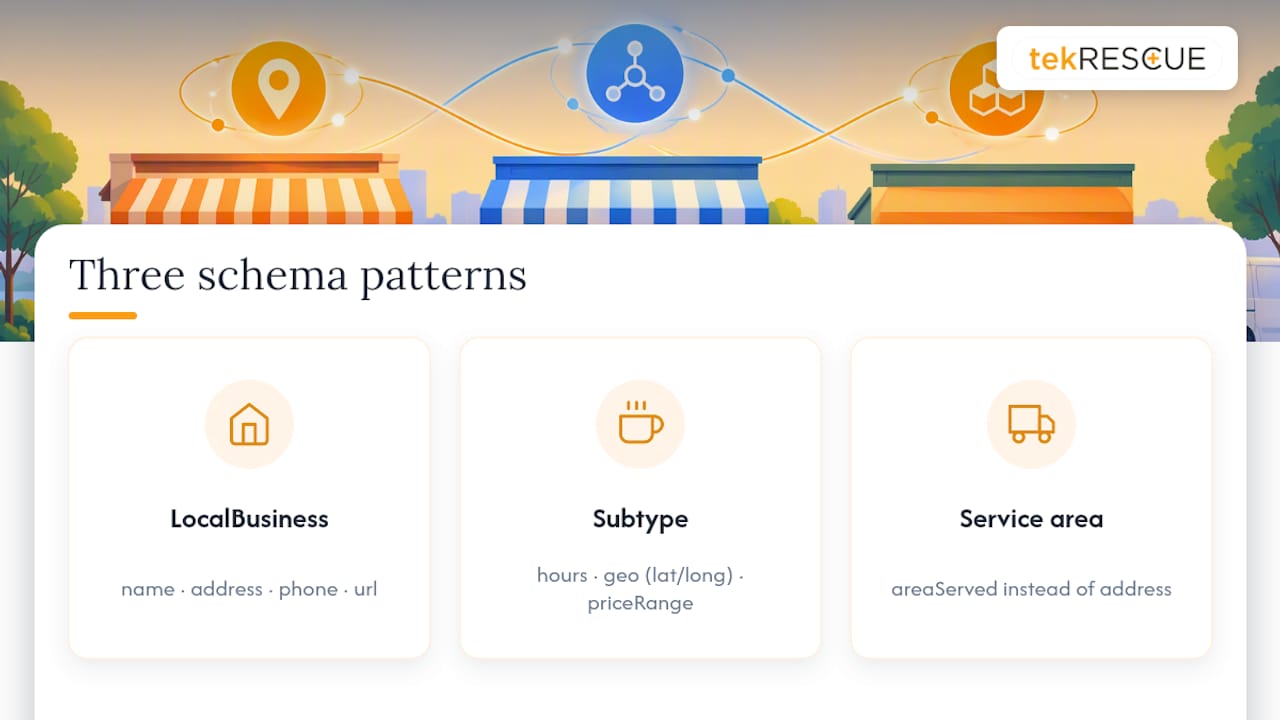
Pattern one: the simple LocalBusiness block. This is the minimum viable version for a business with one location, standard hours, and no menu or booking complexity. It carries name, the full PostalAddress object, telephone, and url. Use this on your homepage or contact page when you have nothing fancier to describe.
Pattern two: a subtype with hours and geo. A Restaurant, for example, adds openingHoursSpecification as an array, since most businesses have different hours on different days. Each entry in that array needs dayOfWeek, opens, and closes. Schema.org’s OpeningHoursSpecification also supports validFrom and validThrough for holiday hours or seasonal changes, which matters more than most site owners realize since stale hours markup is a common cause of confused customers. This pattern also adds geo with latitude and longitude, which supports map-based features, and priceRange to signal typical cost.
Pattern three: a service-area business. If you serve customers at their location rather than a storefront, areaServed replaces or supplements address specificity. A plumber covering three counties would list those areas rather than implying a walk-in location that does not exist. This keeps your markup honest about how customers actually reach you.
Placement matters as much as content. The JSON-LD block sits inside a <script type="application/ld+json"> tag, typically in the page head, though the body works too as long as it renders in the final HTML. Put your core LocalBusiness markup on the homepage or another canonical page, per Google’s organization structured data guidance, rather than duplicating the full object on every page of the site. Page-specific markup, like a review block on a testimonials page, belongs on that page instead.
One rule overrides every pattern here: whatever you put in the markup has to match what a visitor actually sees on the page. If your JSON-LD lists a phone number, hours, or address that differ from the visible content, you have created exactly the kind of mismatch Google’s structured data guidelines exist to catch.
Tools and validation workflow
Writing correct JSON-LD is only half the job. Validation catches the errors that quietly disqualify a page from ever showing a rich result, and skipping this step is how most implementations fail silently.
Run two checks, in this order, every time you touch your schema.
- Start with the Schema Markup Validator to confirm your JSON-LD is syntactically correct against Schema.org’s vocabulary.
- Then run the Rich Results Test to check Google-specific eligibility, since valid schema and Google eligibility are not the same thing.
Once both pass on staging, deploy to production and test the live URL again. Use the Rich Results Test on the real address and cross-check with URL Inspection in Search Console, because a template change or caching layer can alter what actually ships versus what you tested.
If the Rich Results Test says your page passes but you still do not see a rich result in search, don’t panic and don’t assume your markup is broken. Confirm all required properties are present and that your content meets Google’s quality expectations for that result type. Passing validation is necessary, but Google does not guarantee that a rich result appears even on fully valid markup. That gap between eligibility and display trips up a lot of business owners who expect an instant visual payoff.
Common mistakes, traps, and how to fix them
Most schema failures are not exotic. They are the same handful of errors repeated across thousands of small business sites, and each one has a straightforward fix.
- Markup and visible content disagree. If your JSON-LD says you close at 6 PM but your website footer says 7 PM, fix one to match the other immediately. Google’s guidelines are explicit that structured data has to reflect what a visitor actually sees.
- Missing required properties. A LocalBusiness block without a complete PostalAddress, or without telephone, makes that page ineligible for the rich result types tied to those fields. Fill in every subfield, even the ones that feel redundant.
- Markup with no real content behind it. Creating a page purely to host structured data, with no meaningful visible content to match, violates the spirit of the guidelines. Structured data describes a page, it does not manufacture one.
- Silent breakage after a template update. A CMS plugin update or theme change can quietly strip or corrupt your JSON-LD without any visible symptom on the page itself.
Pro Tip: Set up a simple post-deploy check, even a manual one, where you re-run the Rich Results Test after any template or plugin update, and keep the last known-good JSON-LD snippet saved somewhere so you can roll back fast if something breaks.
Multi-location sites and choosing the right subtype
A business with multiple physical locations needs more structure than a single LocalBusiness block copied across every page. Treat each location as its own entity with its own page and its own markup.
Schema.org’s guidance supports this directly: create one unique URL and one JSON-LD block per physical location whenever location-specific details, like hours or a location-specific phone number, actually differ.
- Give each location its own dedicated page and its own complete LocalBusiness object rather than reusing one block sitewide.
- Use branchCode or department properties to represent nested locations under a parent organization, such as a satellite office reporting to a main branch.
- Define areaServed on each location’s markup when that location handles deliveries or service calls beyond its own address.
- Choose the most specific subtype for every location individually. A chain with a restaurant location and a bakery location should not force both into the same generic LocalBusiness type.
This structure matters more as a business grows. A single-location Dentist practice can get away with a simpler setup, but a five-location dental group needs distinct markup per office so each location can independently qualify for local rich features tied to its own address and hours.
Monitoring and maintenance: keeping structured data healthy
Structured data is not a one-time task. Sites change, plugins update, and templates get redesigned, and any of those can quietly break JSON-LD without anyone noticing until rankings or click-through rates dip.
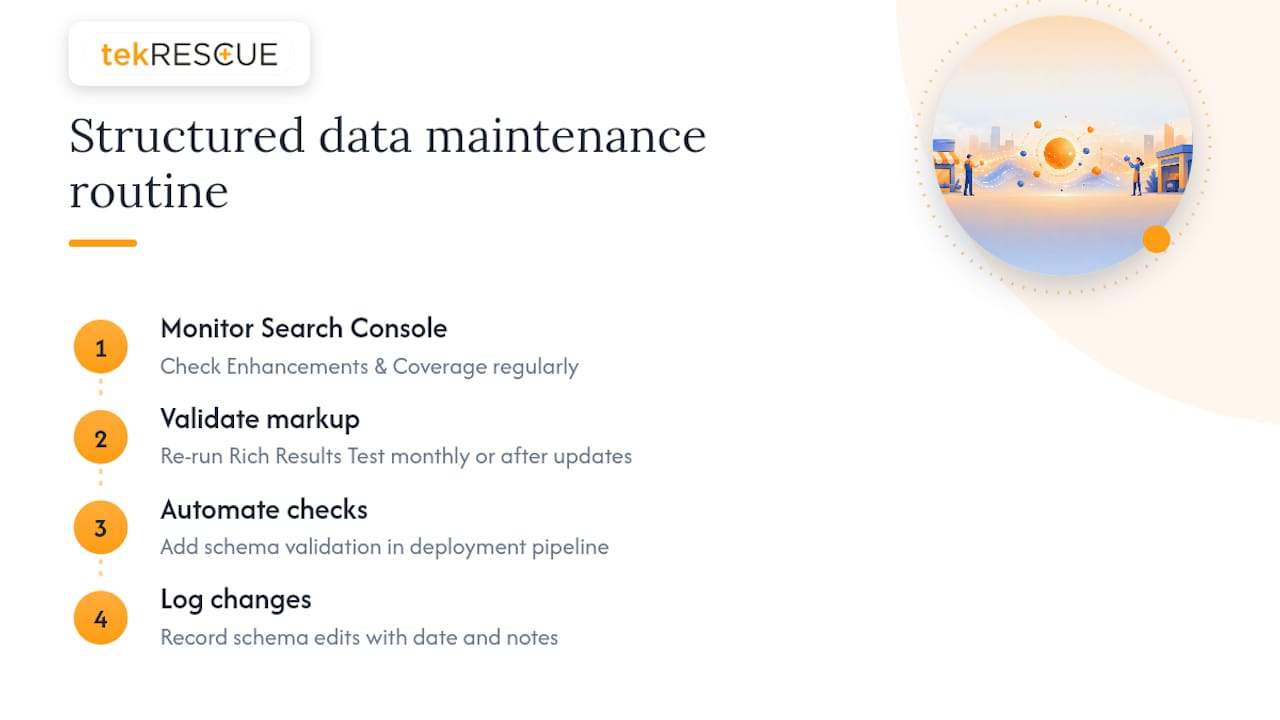
Check the Enhancements and Coverage reports in Search Console on a regular basis and treat any error there as something to fix promptly, not something to file away. Google flags structured data issues as they crawl your site, and that feedback loop is the earliest warning you will get.
Build a recurring habit around validation rather than treating it as a launch-day task. Re-run the Rich Results Test monthly, or immediately after any site update that touches templates, and if your development process supports it, add a schema check into your deployment pipeline so broken markup never reaches production unnoticed.
Keep a simple change log every time you edit schema, noting what changed and when. That log becomes invaluable the day something breaks and you need to trace exactly which update caused it.
How tekRESCUE can implement, validate, and monitor your local business schema
If auditing your own templates and rewriting JSON-LD by hand isn’t how you want to spend a Tuesday, A technology service provider can handle the full cycle: site audits to find what’s missing or mismatched, JSON-LD implementation on your key pages, Search Console monitoring to catch breakage early, and compliance-aware development for businesses that also carry regulatory obligations like HIPAA. A typical engagement starts with an audit of your current markup, moves into implementation on your homepage, location, and service pages, runs full validation, and ends with a monitoring cadence so you are not the one checking Search Console every month. That last part matters most for businesses juggling more urgent priorities than schema upkeep.
A small business priority checklist
If you take one thing from this guide, make it this: accuracy on your contact and location pages beats everything else you could add to your schema. A perfectly structured aggregateRating block means nothing if your address or phone number is wrong.
If you only do one thing, add correct JSON-LD LocalBusiness markup to your homepage and contact page, then validate it. Everything past that, geo coordinates, hours specifications, multi-location branching, is refinement. Consider a managed service when you need ongoing monitoring and compliance support you don’t have the bandwidth to maintain yourself.
— Randy Bryan
Next steps: hire tekRESCUE or start with a DIY audit
You can absolutely run the checklist in this guide yourself: write the JSON-LD, validate it, watch Search Console. If you would rather hand it off, tekRESCUE’s SEO services cover schema audits and implementation as part of broader local visibility work, and our web development team handles the template changes needed to place and maintain JSON-LD correctly across your site.
The scope is straightforward either way:
- Audit your existing pages for missing or mismatched properties.
- Implement JSON-LD on your homepage, location pages, and service pages.
- Validate everything through the Rich Results Test and Schema Markup Validator.
- Set a monitoring cadence so errors get caught before they cost you visibility.
| Path | What it covers | Best for |
|---|---|---|
| DIY audit and implementation | Manual JSON-LD writing, validation, ongoing Search Console checks | Owners with development resources and time to maintain it |
| tekRESCUE engagement | Audit, implementation, validation, and monitoring cadence | Owners who want it handled without adding it to their own plate |
This is one path among several, and it is entirely optional if you are comfortable maintaining schema on your own.
Sources
- Local business (LocalBusiness) structured data | Google Search Central
- Structured data documentation and testing tools | Google Search Central
- Schema
FAQ
Can you give me an example of a Local Business schema?
A basic example includes the LocalBusiness type along with name, a full PostalAddress object broken into streetAddress, addressLocality, addressRegion, postalCode, and addressCountry, plus telephone. Schema.org’s LocalBusiness page provides sample JSON-LD patterns showing this exact structure that you can adapt for your own site.
Can schema markup hurt my website?
Schema markup itself does not directly harm rankings, but markup that does not match your visible page content, or pages built solely to host markup, violate Google’s structured data policies and can make pages ineligible for rich results. Keeping your JSON-LD synced with what visitors actually see avoids this risk entirely.
Can you provide an example of schema markup?
Yes: a Restaurant subtype block with an openingHoursSpecification array listing dayOfWeek, opens, and closes for each day, plus geo coordinates and priceRange, is a common pattern. Schema.org’s OpeningHoursSpecification documents the exact format for structuring these hours entries, including handling seasonal changes.
What are the best local SEO strategies for small local businesses?
The highest-impact local SEO move for most small businesses is accurate, complete LocalBusiness JSON-LD on the homepage and contact page, validated with the Rich Results Test, paired with consistent name, address, and phone details across the whole site. From there, choosing the most specific business subtype and monitoring Search Console for errors keeps that visibility from quietly degrading over time.
Recommended
Table of Contents