
Non-Profit Cybersecurity: Preventing Ransomware and Protecting Funding
When people picture cybercrime, they imagine elite hackers breaching a multinational bank, not the local food pantry running on a donated laptop and a shared Gmail login. That picture is outdated, and it’s costing nonprofits dearly. Cybercriminals don’t care about your mission statement; they care about how easy you are to crack and how likely you are to pay quickly to make the problem disappear.
The FBI’s Internet Crime Complaint Center (IC3) has repeatedly flagged small organizations, nonprofits among them, as recurring ransomware targets, precisely because they tend to be softer targets than large corporations with dedicated security teams. In that sense, the sector has become close to an ideal hunting ground for attackers who work in volume rather than precision.
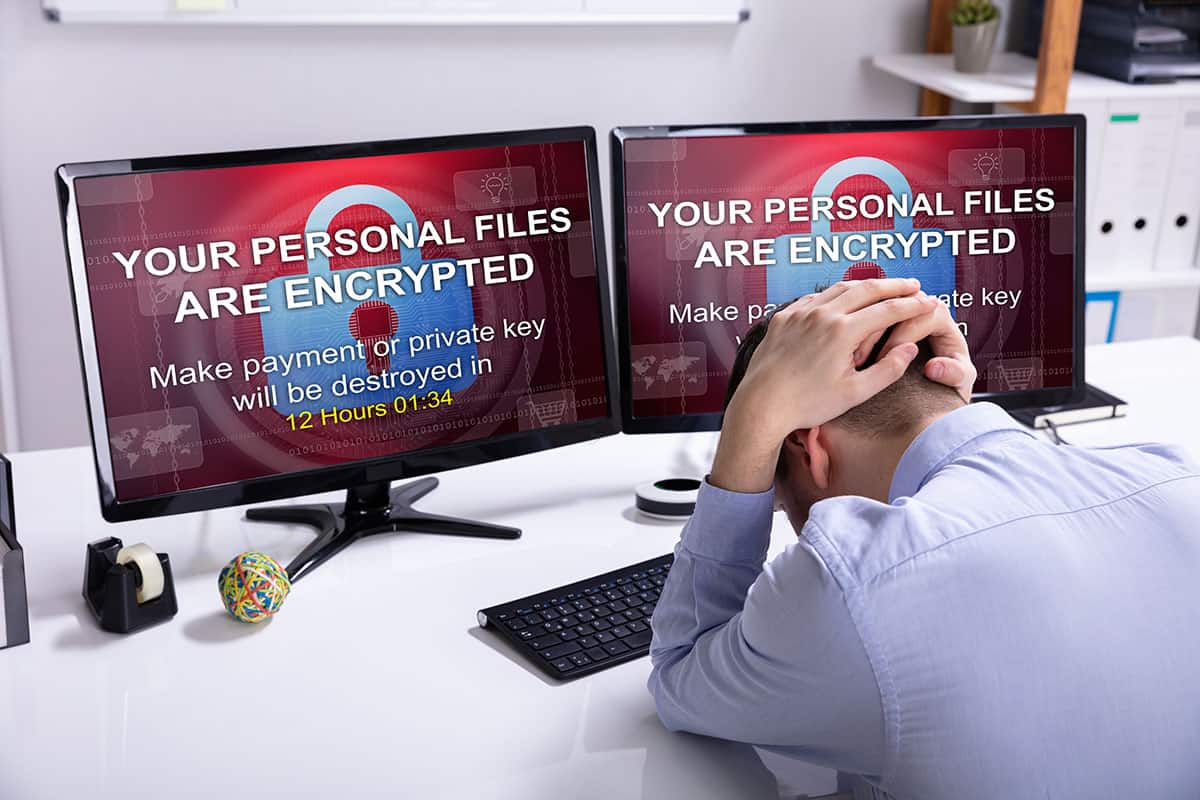
For a nonprofit, reputation isn’t a nice extra, it’s close to the entire balance sheet. Donors give because they trust the money will go where you said it would. The community trusts you to show up when they need you. Funders trust your reporting enough to renew the grant. A ransomware attack doesn’t just take your email offline for a few days; it puts a crack in that trust that takes far longer to repair than a server does.
IBM’s annual Cost of a Data Breach Report has shown for years that breach costs commonly run into the hundreds of thousands of dollars even for smaller organizations, money most nonprofits simply don’t have sitting in reserve. Once leadership understands why nonprofits get targeted in the first place, they can stop treating cybersecurity as a line-item to trim and start treating it as part of how the mission itself stays protected.
Table of Contents
Why Non-Profits Are So Vulnerable
Look at a nonprofit through an attacker’s eyes and the appeal is obvious: data worth stealing, sitting behind defenses too thin to stop anyone determined to get in.
Valuable Data, Low Security
Nonprofits hold troves of sensitive information, donor names, home addresses, email lists, giving histories, and sometimes Social Security numbers tied to grant compliance. That’s exactly the kind of data criminals can resell or hold for ransom. At the same time, IT security tends to get treated as overhead to cut rather than infrastructure to protect, because budgets are stretched thin to begin with. Put valuable data behind a door that barely locks, and you’ve built precisely what a ransomware operator goes looking for.
High Operational Urgency
A retail business can usually absorb a few days of system outages without most customers ever noticing. A food bank, a domestic violence shelter, or a counseling center can’t, when their systems go down, the people who depend on those services that day go without. Attackers know this, and they count on it: the more urgent your mission, the faster they assume you’ll pay just to get back online.
The Threat of Public Shaming
This is the sharpest tool in a ransomware operator’s kit. The threat isn’t just “pay us and get your files back” anymore, it’s “pay us, or we publish your entire donor list, names, addresses, and donation amounts included.” For an organization whose whole model runs on donor trust, a leak like that doesn’t just embarrass. It can shrink the donor base for years and make every future fundraising appeal that much harder to write.
Limited In-House Expertise
Few nonprofits can justify a full-time security specialist on staff, the budget goes to programs, not to IT payroll. Instead, the job usually lands on a generalist staffer already juggling six other duties, or an outside consultant who shows up only once something’s on fire. Neither setup leaves room for the ongoing monitoring, patching, and threat-watching that keeps a small problem from turning into a six-figure disaster.
The Failure of the “Break-Fix” IT Model
Relying on hourly, “break-fix” IT support is where a lot of this falls apart. The model only pays the consultant once something is already broken, which means there’s no financial incentive for anyone to prevent the break in the first place.
Hourly IT rates commonly run somewhere in the $100-$200 range, and a single emergency callout to recover from a ransomware hit can push that bill into the thousands before the underlying problem is even fixed. It’s reactive by design, and reactive is exactly the wrong posture against an attacker who’s usually already inside the network well before anyone notices something’s wrong.
Here’s the blunt version: there’s no line item on an IT vendor’s invoice that reads “Attack Prevented Today.” Their revenue comes from your emergencies, not your stability, and that’s a real conflict of interest, not just a cynical observation. A break-fix shop that bills $150-$300 an hour for emergency response has no financial reason to spend Tuesday morning quietly applying patches, testing your backups, or tightening firewall rules.
Why would they? That work is invisible and unbillable until something breaks. So the patches slip, the backup job silently fails for three weeks, and the policies go stale, and then, when ransomware finally lands, you’re staring down a five-figure emergency bill on top of payroll chaos and donor phone calls you can’t return.
The Proactive Shield: Flat-Rate Managed IT
The fix is to flip that incentive on its head. A flat-rate Managed IT Services (MSP) arrangement, typically billed somewhere in the range of $100 to $250 per user per month, depending on scope, puts the provider’s financial interest on the same side of the table as yours. You pay one predictable number each month for ongoing IT management and security, full stop. No surprise invoices when the server crashes at 11 p.m. before a grant deadline.
Once you’re on a flat rate, the math changes for the provider too. Every outage now comes out of their margin, fixed with their staff and their tools, not an emergency draw from your budget. Your uptime literally becomes their profit. For a small nonprofit trying to stretch every dollar toward the mission, that single shift buys several layers of protection under one predictable cost:
Round-the-clock monitoring is exactly what it sounds like, and it’s harder to fake than people assume. An MSP runs remote-monitoring platforms that watch your network continuously, flagging a suspicious login at 2 a.m. or a server quietly running out of disk space before either one turns into a 6 a.m. phone call to your executive director.
Patch management sounds boring, which is exactly why it gets skipped, and skipped patches are how a huge share of breaches happen in the first place. Keeping every laptop, server, and piece of software current with the latest security updates is one of the cheapest, most effective defenses there is, and one of the most commonly neglected. An MSP automates it, pushing updates across every machine overnight instead of hoping Maria in accounting eventually clicks “Restart Now.”
Backups and disaster recovery are where a lot of organizations discover, too late, that “we have backups” and “we have backups that actually restore” are two different sentences. A competent MSP builds a layered system, often following something close to the old 3-2-1 rule (three copies of your data, on two different types of media, with one stored off-site), and then actually tests the restore process on a schedule, not just after something goes wrong. That’s what lets you tell a ransomware crew “no thanks” with a straight face: you wipe the infected machines and restore from a clean backup from last Tuesday instead of wiring $40,000 in Bitcoin to a stranger.
You also pick up something harder to put a price tag on: a team that’s seen this before. They’ll help you roll out Multi-Factor Authentication (MFA), across email and donor-database logins, and run staff through phishing-simulation training, so the person who opens the donor mailing list each morning can actually spot the fake “invoice attached” email before they click it.
FAQs
Our budget is extremely limited. How can we justify the cost of managed IT?
Stop thinking of it as an IT expense and start thinking of it as a mission-continuity expense, because that’s what it actually is. Add up what a single ransomware incident really costs: the ransom itself (assuming you even pay it, which the FBI generally advises against), the forensic recovery, the lawyers, the donor trust you won’t get back after a breach notification letter goes out. Industry studies have put the average global cost of a breach well above $4 million in recent years, nonprofits obviously aren’t absorbing numbers like that, but even a sliver of it can wipe out a year’s operating budget. A flat monthly fee that you can put in next year’s grant application is a much smaller number than a catastrophic, unplanned hit to your endowment.
We already use cloud services like Microsoft 365, isn’t that secure enough on its own?
Not entirely, and this trips up a lot of organizations. Cloud platforms run on what Microsoft calls a “shared responsibility” model: Microsoft locks down the physical data centers, the servers, and the underlying network, but you own everything that happens inside your tenant, your data, your user accounts, and how you’ve configured sharing and permissions. In practice that means enforcing strong, unique passwords, turning on multi-factor authentication, and checking that your file-sharing defaults aren’t set to “anyone with the link.” An MSP handles that configuration work and keeps it tuned over time, so “we use Microsoft 365” actually translates into “our environment is locked down.”
Our non-profit runs almost entirely on volunteers, how are we supposed to manage IT?
Honestly, this is exactly the situation an MSP exists for. A volunteer generous enough to handle laptops and email on weekends is a gift, but that’s not a security plan. It’s a familiar pattern in the sector: that person takes a new job or moves across the country, and suddenly nobody on staff knows how to apply the next critical Windows update, sometimes for months. An MSP replaces that single point of failure with a team that’s on call around the clock, follows a documented process no matter who’s on shift, and bills one predictable flat rate instead of sending an emergency invoice when something breaks. That’s the kind of stability a modern organization needs, whether it’s run by volunteers or a full paid staff.
Will an MSP actually train our staff on cybersecurity, or is that someone else’s job?
Yes, and it should be a non-negotiable piece of any managed security plan. Firewalls and antivirus software only go so far; your staff is the first line of defense, and attackers count on that. Verizon’s annual Data Breach Investigations Report has repeatedly found that a majority of confirmed breaches trace back to a human action, a clicked link, a reused password, an invoice approved without a second look. A good MSP runs ongoing security awareness training, including simulated phishing emails that test whether the lessons actually stuck. Over time, that turns your team from your biggest vulnerability into your earliest warning system.
Why Cybersecurity Is Now Part of Your Mission
Your mission is too important to let one phishing email take it down, and that’s not an exaggeration; it’s how most ransomware attacks on small organizations get started. The trust your donors and community have placed in you is the hardest asset to rebuild once it’s damaged.
Protecting it means retiring the old break-fix habit, where IT only hears from you after something’s already broken, in favor of a setup that catches problems before they become a headline or a board meeting agenda item. A flat-rate managed IT plan is easier to think of as insurance than as overhead: one predictable monthly bill that costs a fraction of what a breach costs in downtime, recovery, and the donor confidence you’d have to earn back from zero. It frees you up to focus on the part of the job that actually matters, running your programs, not chasing down a ransom note.
Ready to lock down your non-profit’s data, protect the reputation you’ve spent years building, and make sure your mission can keep running without interruption? Reach out to tekRESCUE for a comprehensive security consultation, they’ll walk through where your current setup stands and what it would take to close the gaps.
Table of Contents