
Small IT Teams: Three-Phase IT Onboarding Checklist, No Extra Headcount
A reliable IT onboarding checklist guarantees hardware, secured accounts, and role-appropriate apps on day one, with an access review scheduled between day 7 and day 30. It runs in three phases: pre-boarding, day one, and follow-up, and it treats security as the default setting, not an afterthought. Every account gets single sign-on, multi-factor authentication, and only the access the role actually requires. The result is a new hire who is productive immediately and an access trail your compliance team can actually audit.
TL;DR:
- Proper pre-boarding involves confirming role details, hardware needs, and shipping logistics at least 14 days before the start date to prevent last-minute provisioning issues.
- Day one should focus on verifying device security, onboarding, and role-based access with minimal necessary permissions for immediate productivity.
- Follow-up between day 7 and day 30 is crucial for addressing unresolved issues, removing excess permissions, and reassessing role-specific access needs over time.
- Implementing role-based access packs and automation reduces manual errors, ensures consistency, and speeds up onboarding for small IT teams.
- Pairing onboarding with offboarding tasks and maintaining an audit trail is essential for security, compliance, and managing accounts after employee departure.
Table of Contents
Table of Contents
- What Belongs on Your Pre-Boarding Checklist (D-14 to D-1)?
- How Do You Run Day One Without Losing the Morning?
- What Happens Between Day 7 and Day 30?
- What Security and Compliance Controls Are Non-Negotiable?
- Can Automation and Role-Based Packs Fix Small IT Teams’ Biggest Bottleneck?
- How Should Onboarding and Offboarding Connect?
- A Copy-Ready IT Onboarding Checklist Template
- Publisher Perspective: tekRESCUE’s Practical Approach to IT Onboarding
- How tekRESCUE Helps You Put This Checklist Into Practice
- Sources
- FAQ
What Belongs on Your Pre-Boarding Checklist (D-14 to D-1)?
Most onboarding failures trace back to the two weeks before someone’s start date, not the day itself. Industry guidance identifies five recurring breakdowns: no provisioning process, last-minute license purchases, non-compliant devices going out the door, no role-based access standard, and no single control point owning the process. Fix the timeline and you fix most of that.
Start collecting the essentials the moment HR confirms a hire, ideally 14 days out:
- Role, manager, and start date. Nothing else can move until this is locked.
- Department and job function. This determines which role-based access pack applies.
- Special hardware or accessibility needs. A developer needs different specs than someone in accounts payable.
- Remote, hybrid, or on-site status. This changes shipping timelines and MDM enrollment steps.
Once you have that, the equipment and identity work runs in parallel:
- Order hardware immediately. Laptop lead times can wreck a start date if you wait until week one.
- Image and enroll every device in your mobile device management (MDM) platform before it ships or gets handed over, not after.
- Provision the identity account in your single sign-on (SSO) system and assign a role-based access pack rather than adding permissions one at a time.
- Enforce multi-factor authentication (MFA) on the account before the first login attempt, not as a follow-up task.
- Confirm delivery logistics: shipping address for remote hires, or a specific pickup point and time for on-site staff.
Assign a RACI owner to each line. Who orders the laptop? Who builds the SSO profile? Who confirms delivery? When two people assume the other has it, that’s when a new hire shows up to an empty desk. A RACI matrix turns “someone should handle this” into a name and a deadline.
How Do You Run Day One Without Losing the Morning?
Day one succeeds or fails in the first two hours. The goal isn’t full access. It’s minimum viable access: enough for the person to log in, communicate, and start real work, with tighter permissions added later as the role proves itself out.
Run the workstation checks before the new hire touches the device:
- Confirm disk encryption is active and MDM enrollment completed successfully.
- Push the latest OS updates and patches so the machine isn’t out of date on day one.
- Verify endpoint detection and response (EDR) software is installed and reporting.
- Set screen lock timeout policies according to your security baseline.
- Test SSO login and confirm MFA is functioning, not just enrolled.
With the hardware verified, hand over the identity and tools stack: company email, the collaboration app (Slack, Microsoft Teams, whichever your organization runs), and a password manager preloaded with the credentials the role needs. Grant everything through the role-based access group assigned during pre-boarding rather than approving permissions individually as requests trickle in. One-off grants are exactly how organizations end up with access nobody can explain six months later.
Pro Tip: Book a 15-minute check-in with the new hire at the two-hour mark, not the end of the day. Login problems, missing app access, and broken VPN connections are far easier to fix before lunch than after the new hire has spent six frustrated hours locked out.
Give the hiring manager a short list of what to watch for, and give IT a simple way to log anything unresolved by end of day, even if it’s just a shared ticket queue tagged “new hire, week one.” That list becomes the starting point for the next section’s cleanup work. Skipping this step is how minor glitches turn into a pile of unresolved tickets by Friday.
What Happens Between Day 7 and Day 30?
The work most companies skip is the follow-up, and it’s the phase that actually protects you. A quasi-experimental study of extended onboarding cohorts found significantly higher one-year retention compared to control groups, which suggests structured checkpoints do more than reduce tickets. They keep people around.
Here’s the schedule that works for most IT teams:
- Day 3 to 7: Sweep the ticket backlog from day one. Confirm every login issue, missing permission, and hardware complaint got closed, not just acknowledged.
- Day 7 to 30: Run a formal access review to strip out temporary or “just-in-case” permissions granted during setup. Document exactly who has administrative access and why, in writing, not from memory.
- Ongoing: Reconcile software licenses and subscriptions. New hires often get added to tools nobody remembers to remove them from later, and duplicate seats add up fast across a growing team.
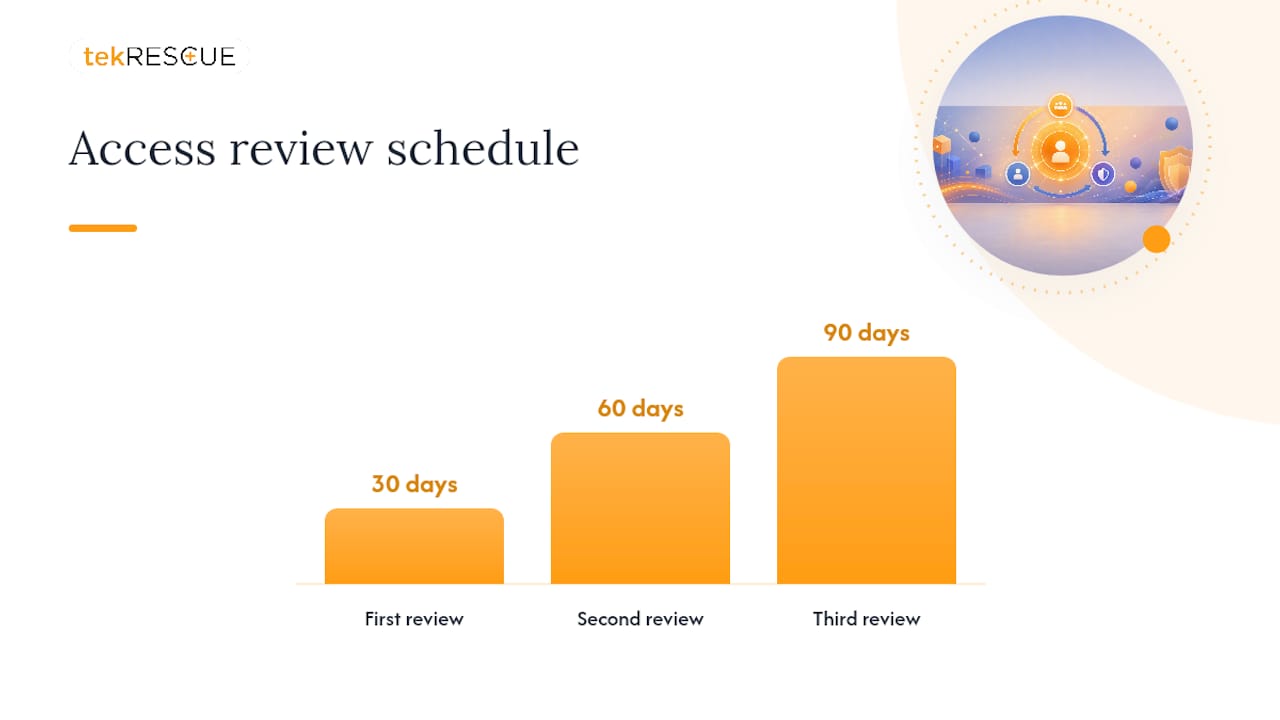
- 30/60/90 days: Reassess access needs as the role solidifies. A developer who started on a support ticket rotation might need production access by day 60 that they didn’t need on day one.
This is also where manager and coworker engagement pays off. Research on onboarding success in software teams found that ongoing support correlates more strongly with successful onboarding than front-loaded training alone. A single orientation day doesn’t build organizational fit. Scheduled check-ins do.
What Security and Compliance Controls Are Non-Negotiable?
Onboarding is the moment your security posture gets set, for better or worse. Whatever access a new hire receives in week one tends to stay on the books far longer than it should, which is exactly why Gallup found only 12% of employees strongly agree their organization does a great job onboarding new hires. Most companies are working from a broken baseline and don’t realize it until an audit forces the question.
Build these controls into the process itself, not into a review that happens later:
- Enforce SSO and MFA on every account before granting access to anything sensitive, no exceptions for “just this once.”
- Apply least privilege through role-based access packs, and set expiration dates on any temporary permissions instead of leaving them open indefinitely.
- Confirm every endpoint meets baseline protections: EDR installed, disk encryption active, patches current, MDM enrollment complete.
- Log an inventory entry and audit trail for every access grant. Note who approved it, when, and why. Auditors will ask, eventually.
- Pair every provisioning action with a matching offboarding task at the moment you create it, not months later when someone leaves.
A note on the numbers: replacing an employee typically costs an employer several months of salary by most estimates, and Gallup’s research ties onboarding quality directly to whether new hires stay. Treating the checklist as a compliance chore rather than a retention lever misses the actual stakes.
Can Automation and Role-Based Packs Fix Small IT Teams’ Biggest Bottleneck?
A role-based access pack is a predefined bundle of app access, permission levels, and group memberships tied to a specific job function, sales, engineering, finance, whatever your org chart requires. Instead of an IT admin deciding case by case what a new marketing hire needs, the pack already answers that question. Map one pack per department once, and every future hire in that department gets consistent, correct access on day one.
This matters more for small IT teams than anyone else, because they have the least room for manual error. Practical steps that don’t require new headcount:
- Build ticket triggers so a new-hire request in your helpdesk system automatically applies the right access pack.
- Template the pre-boarding checklist in your ticketing tool so nothing depends on someone’s memory.
- Schedule recurring access reviews at day 30, day 60, and day 90 rather than relying on someone to remember.
tekRESCUE’s case study on standardized onboarding automation documents how one client cut onboarding friction by moving from manual, one-off provisioning to templated access packs tied to helpdesk triggers.
Pro Tip: Start with your highest-volume role, the position you hire for most often, and build that pack first. It’s the fastest way to prove the concept before rolling packs out department by department.
How Should Onboarding and Offboarding Connect?
Every access decision you make during onboarding eventually becomes an offboarding decision, whether you plan for it or not. Design the two as a single process from the start:
- When you provision an account or grant a permission, create the matching offboarding or expiration task in the same ticket, right then, not as a separate future project.
- Build a recovery checklist covering hardware return, shared password rotation, and license reclamation for the moment someone leaves.
- Run periodic audits specifically hunting for orphaned accounts, permissions nobody can explain, and licenses still billing for people who left months ago.
Skip this pairing and you end up with the accounts nobody remembers, the exact gap that turns into a security finding during your next audit.
A Copy-Ready IT Onboarding Checklist Template
Paste this structure into a spreadsheet or ticketing template and adapt the field names to your systems:
- Pre-boarding rows: role, manager, start date, hardware ordered (Y/N), MDM enrollment (Y/N), SSO profile created (Y/N), access pack assigned, RACI owner.
- Day one rows: disk encryption verified, EDR confirmed, SSO/MFA tested, email active, collaboration app access, password manager provisioned, manager sign-off.
- Follow-up rows: ticket backlog cleared (date), access review scheduled (day 7 to 30), license reconciliation complete, 30/60/90-day training checkpoint status.
For teams building out shared documentation around this process, structured shareable onboarding resources make it easier to keep the template consistent across departments and hiring waves.
Publisher Perspective: tekRESCUE’s Practical Approach to IT Onboarding
The checklist items above aren’t the hard part. Ownership is. Most onboarding breaks down not from missing steps but from nobody being clearly responsible for the step that got missed. That’s why RACI ownership and role-based access packs matter more than any individual security control. Automation doesn’t replace judgment. It removes the excuse for skipping the boring, repeatable parts so your team’s judgment goes toward the decisions that actually need it. Compare your current process against the phases above, and if you can’t answer who owns each line, that’s your starting point for an audit.
— Randy Bryan
How tekRESCUE Helps You Put This Checklist Into Practice
Building this checklist is one thing. Running it consistently across every new hire, every department, every month, is where most internal IT teams lose the thread. tekRESCUE’s managed IT services give small and mid-sized businesses the standardized onboarding process and audit trail that’s hard to maintain with a lean internal team stretched across a dozen other priorities.
The typical path starts with an onboarding audit: we look at your current pre-boarding, day one, and follow-up process against the phases outlined here, then identify where role-based access packs and automation would cut the most friction. From there, we pilot the automation on your highest-volume role before rolling it out company-wide. The outcome is faster day-one readiness, a consistent security baseline across every hire, and documented inventory that holds up when an auditor asks who has access to what and why. If your onboarding process is still running on memory and manual tickets, contact the service provider to discuss a pilot program.
Sources
This article draws on Gallup’s retention research, a quasi-experimental IT onboarding study from Pitt’s ImpactingEd program, and peer-reviewed work on onboarding success and turnover intention in software teams, alongside practical 2026 IT onboarding guidance. For vendor-specific results, review tekRESCUE’s case study on automated onboarding and its year-end IT planning guide.
- Why the onboarding experience is key for retention
- Onboarding effects on engagement and retention in the IT sector
- Exploring onboarding success, organizational fit, and turnover intention of software professionals
- IT Onboarding: Setting Up Tools and Software (2026 Guide)
FAQ
What Are the Typical IT Onboarding Procedures?
Typical procedures span three phases: pre-boarding (equipment ordering and account provisioning), day one (hardware handoff, minimum viable access, security baseline checks), and follow-up (access review, license reconciliation, and training checkpoints at 30, 60, and 90 days).
What Are the 5 C’s of Employee Onboarding?
Definitions vary across sources, but a commonly cited version covers compliance, clarification, culture, connection, and check-back. This article focuses on the IT-specific procedural checklist rather than the broader HR framework.
What Is the 30-60-90 Onboarding Rule?
It’s a schedule for reassessing an employee’s tools and access needs at 30, 60, and 90 days after their start date, since roles often evolve past what was granted on day one.
What Are the 5 Stages of the Onboarding Process?
IT-focused onboarding typically compresses into three practical phases (pre-boarding, day one, follow-up), though broader HR onboarding models sometimes break the process into five stages spanning pre-arrival through long-term integration. For IT provisioning purposes, the three-phase model with a defined access review window between day 7 and day 30 is the more actionable standard.
Recommended
Table of Contents